Start Scene
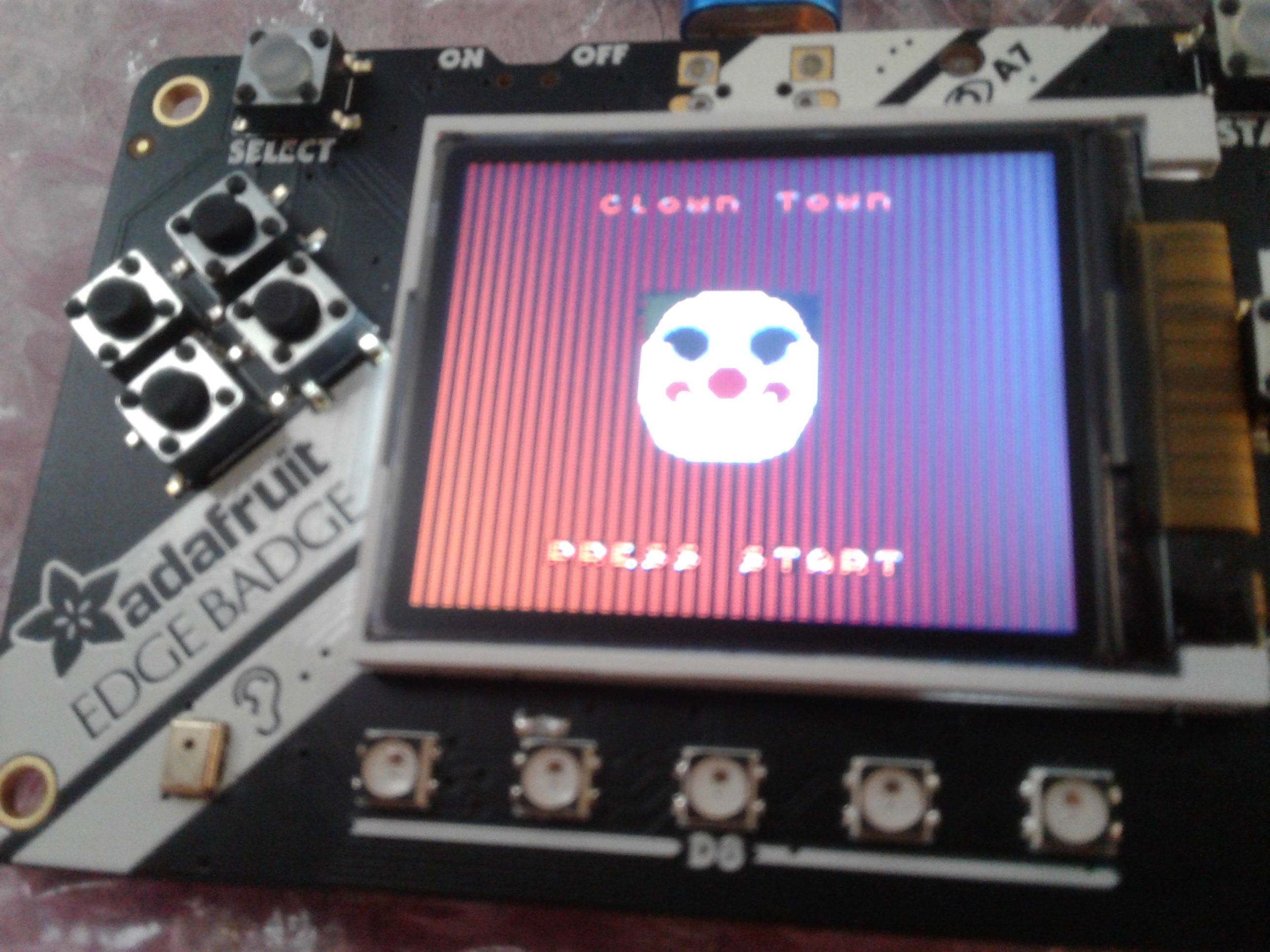
After the splash scenes we transison to the menu scene where we see a clown along with its title and a text saying “PRESS START”.
1 2 3 4 5 6 7 8 9 10 11 12 13 14 15 16 17 18 19 20 21 22 23 24 25 26 27 28 29 30 31 32 33 34 35 36 37 38 39 40 41 42 43 44 45 46 47 48 49 50 51 52 53 54 55 56 57 58 59 60 61 62 63 64 65 66 67 68 69 70 71 72 73 74 75 76 77 78 79 80 81 82 83 84 85 86 87 88 | def main_menu_scene():
# this function is the MT splash scene
# an image bank for CircuitPython
image_bank_2 = stage.Bank.from_bmp16("clown.bmp")
image_bank_3 = stage.Bank.from_bmp16("sprites.bmp")
# sets the background to image 0 in the bank
background = stage.Grid(image_bank_3, constants.SCREEN_GRID_X, constants.SCREEN_GRID_Y)
text = []
text1 = stage.Text(width=29, height=15, font=None, palette=constants.MT_GAME_STUDIO_PALETTE, buffer=None)
text1.move(40, 10)
text1.text("Clown Town")
text.append(text1)
clown1 = stage.Sprite(image_bank_2, 1, 70, 56)
sprites.append(clown1)
clown2 = stage.Sprite(image_bank_2, 2, 70, 72)
sprites.append(clown2)
clown3 = stage.Sprite(image_bank_2, 3, 54, 56)
sprites.append(clown3)
clown4 = stage.Sprite(image_bank_2, 4, 86, 56)
sprites.append(clown4)
clown5 = stage.Sprite(image_bank_2, 5, 54, 72)
sprites.append(clown5)
clown6 = stage.Sprite(image_bank_2, 6, 86, 72)
sprites.append(clown6)
clown7 = stage.Sprite(image_bank_2, 8, 70, 40)
sprites.append(clown7)
clown8 = stage.Sprite(image_bank_2, 0, 54, 40)
sprites.append(clown8)
clown9 = stage.Sprite(image_bank_2, 7, 86, 40)
sprites.append(clown9)
text2 = stage.Text(width=29, height=14, font=None, palette=constants.MT_GAME_STUDIO_PALETTE, buffer=None)
text2.move(35, 110)
text2.text("PRESS START")
text.append(text2)
horn_sound = open("horn.wav", 'rb')
sound = ugame.audio
sound.stop()
sound.mute(False)
sound.play(horn_sound)
# create a stage for the background to show up on
# and set the frame rate to 60fps
game = stage.Stage(ugame.display, 60)
# set the layers, items show up in order
game.layers = sprites + text + [background]
# render the background and inital location of sprite list
# most likely you will only render background once per scene
game.render_block()
# removes menu clown
sprites.remove(clown1)
sprites.remove(clown2)
sprites.remove(clown3)
sprites.remove(clown4)
sprites.remove(clown5)
sprites.remove(clown6)
sprites.remove(clown7)
sprites.remove(clown8)
sprites.remove(clown9)
# repeat forever, game loop
while True:
# get user input
# update game logic
# Wait for 3 seconds
keys = ugame.buttons.get_pressed()
if keys & ugame.K_START != 0: # Start button
game_scene()
# redraw sprite list
|