Splash Scene
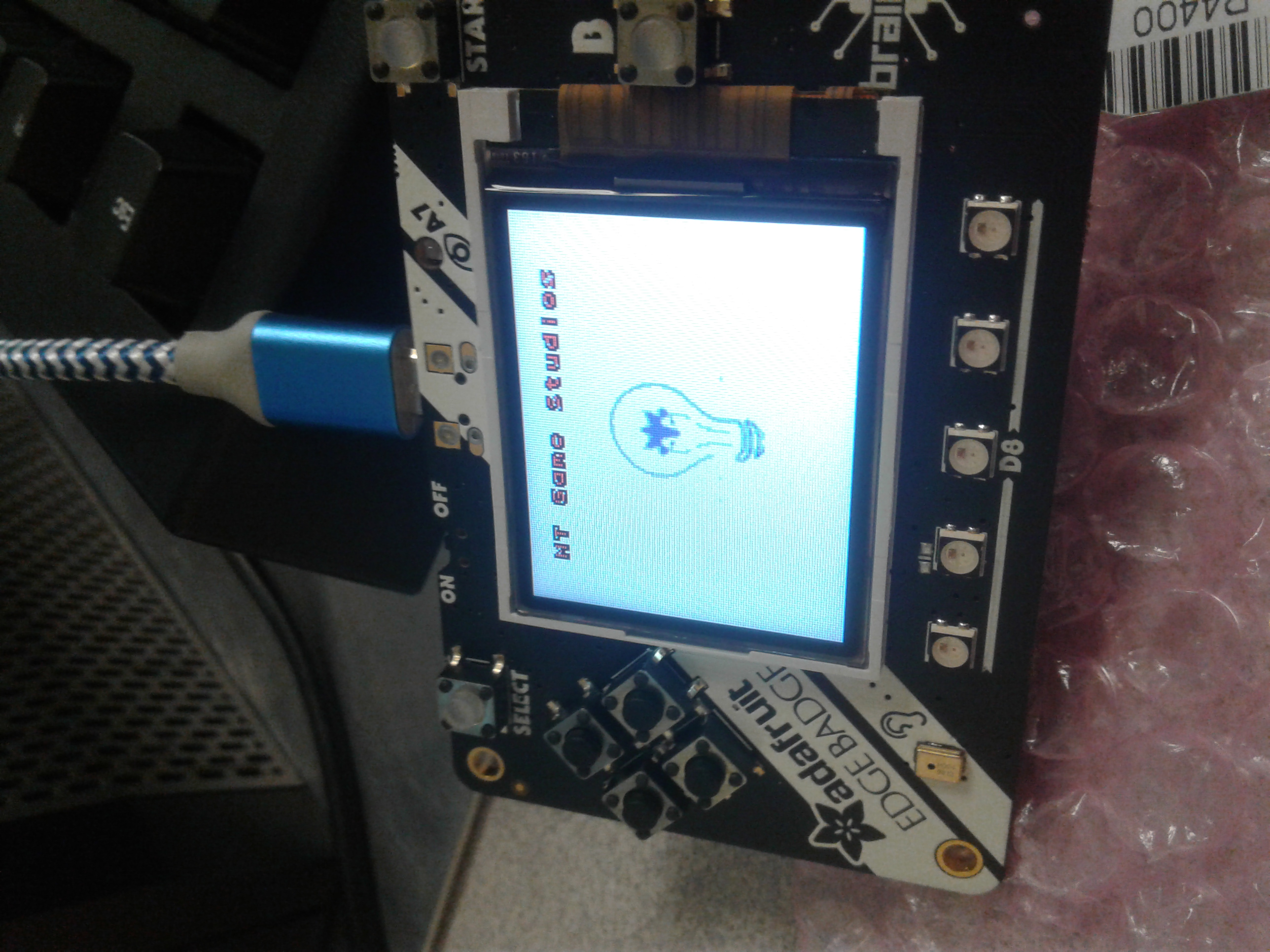
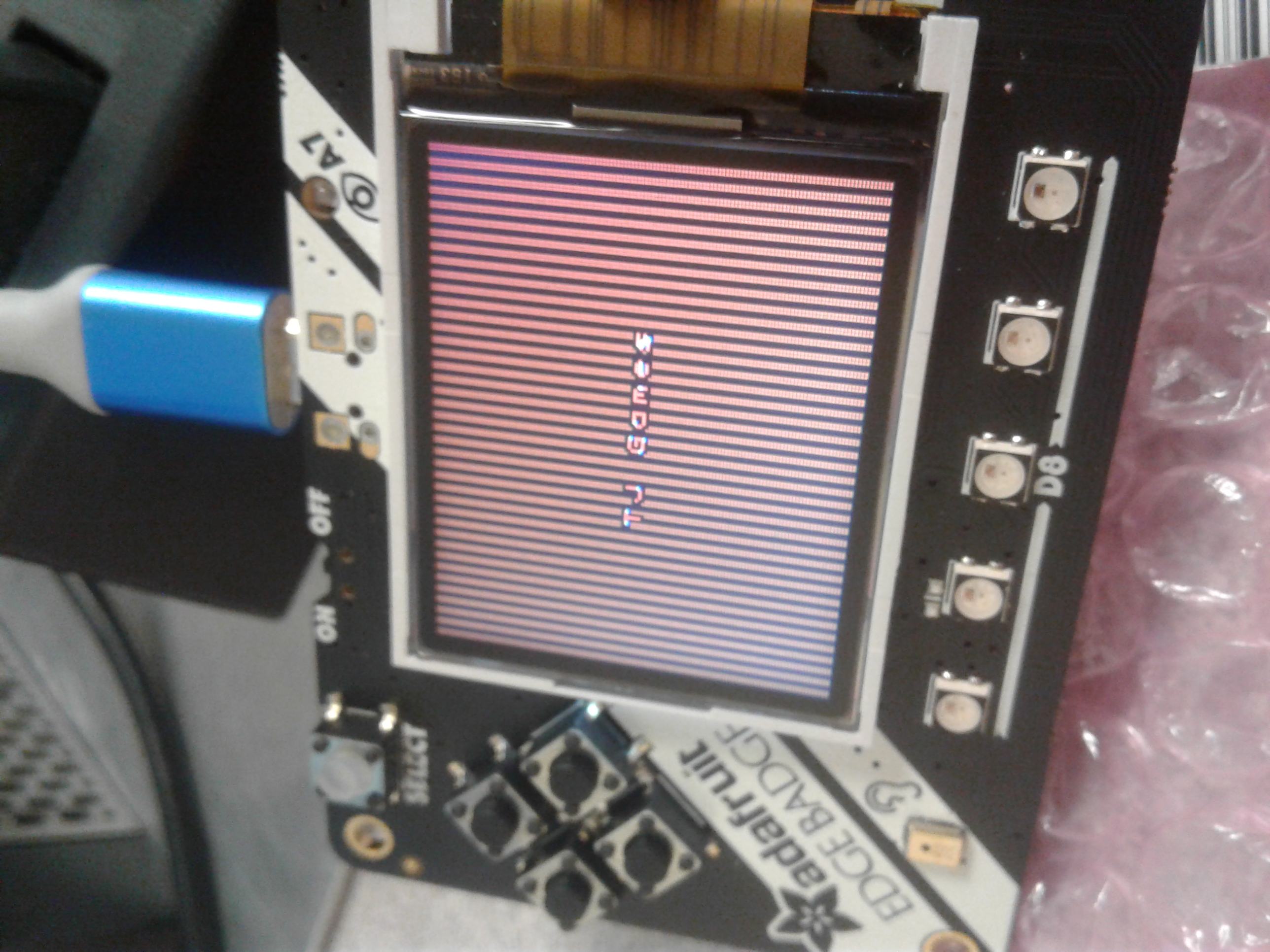
In the splash scene we start with a plain white splsh scene and transion to thethe MT Game Studio splash scene after 0.5 seconds which transciosns to the TJ Game splash scene after 3 seconds.
1 2 3 4 5 6 7 8 9 10 11 12 13 14 15 16 17 18 19 20 21 22 23 24 25 26 27 28 29 30 31 32 33 34 35 36 37 38 39 40 | def blank_white_reset_scene():
# this function is the splash scene game loop
# do house keeping to ensure everythng is setup
# set up the NeoPixels
pixels = neopixel.NeoPixel(board.NEOPIXEL, 5, auto_write=False)
pixels.deinit() # and turn them all off
# reset sound to be off
sound = ugame.audio
sound.stop()
sound.mute(False)
# an image bank for CircuitPython
image_bank_1 = stage.Bank.from_bmp16("mt_game_studio.bmp")
# sets the background to image 0 in the bank
background = stage.Grid(image_bank_1, 160, 120)
# create a stage for the background to show up on
# and set the frame rate to 60fps
game = stage.Stage(ugame.display, 60)
# set the layers, items show up in order
game.layers = [background]
# render the background and inital location of sprite list
# most likely you will only render background once per scene
game.render_block()
# repeat forever, game loop
while True:
# get user input
# update game logic
# Wait for 1/2 seconds
time.sleep(0.5)
mt_splash_scene()
# redraw sprite list
|
1 2 3 4 5 6 7 8 9 10 11 12 13 14 15 16 17 18 19 20 21 22 23 24 25 26 27 28 29 30 31 32 33 34 35 36 37 38 39 40 41 42 43 44 45 46 47 48 49 50 51 52 53 54 55 56 57 58 59 60 61 62 63 64 65 66 67 68 69 70 71 72 73 74 | def mt_splash_scene():
# this function is the MT splash scene
# an image bank for CircuitPython
image_bank_2 = stage.Bank.from_bmp16("mt_game_studio.bmp")
# sets the background to image 0 in the bank
background = stage.Grid(image_bank_2, constants.SCREEN_GRID_X, constants.SCREEN_GRID_Y)
# used this program to split the iamge into tile: https://ezgif.com/sprite-cutter/ezgif-5-818cdbcc3f66.png
background.tile(2, 2, 0) # blank white
background.tile(3, 2, 1)
background.tile(4, 2, 2)
background.tile(5, 2, 3)
background.tile(6, 2, 4)
background.tile(7, 2, 0) # blank white
background.tile(2, 3, 0) # blank white
background.tile(3, 3, 5)
background.tile(4, 3, 6)
background.tile(5, 3, 7)
background.tile(6, 3, 8)
background.tile(7, 3, 0) # blank white
background.tile(2, 4, 0) # blank white
background.tile(3, 4, 9)
background.tile(4, 4, 10)
background.tile(5, 4, 11)
background.tile(6, 4, 12)
background.tile(7, 4, 0) # blank white
background.tile(2, 5, 0) # blank white
background.tile(3, 5, 0)
background.tile(4, 5, 13)
background.tile(5, 5, 14)
background.tile(6, 5, 0)
background.tile(7, 5, 0) # blank white
text = []
text1 = stage.Text(width=29, height=14, font=None, palette=constants.MT_GAME_STUDIO_PALETTE, buffer=None)
text1.move(20, 10)
text1.text("MT Game Studios")
text.append(text1)
# get sound ready
# follow this guide to convert your other sounds to something that will work
# https://learn.adafruit.com/microcontroller-compatible-audio-file-conversion
coin_sound = open("coin.wav", 'rb')
sound = ugame.audio
sound.stop()
sound.mute(False)
sound.play(coin_sound)
# create a stage for the background to show up on
# and set the frame rate to 60fps
game = stage.Stage(ugame.display, 60)
# set the layers, items show up in order
game.layers = text + [background]
# render the background and inital location of sprite list
# most likely you will only render background once per scene
game.render_block()
# repeat forever, game loop
while True:
# get user input
# update game logic
# Wait for 1 seconds
time.sleep(3.0)
game_splash_scene()
# redraw sprite list
|
1 2 3 4 5 6 7 8 9 10 11 12 13 14 15 16 17 18 19 20 21 22 23 24 25 26 27 28 29 30 31 32 33 34 35 36 | def game_splash_scene():
# this function is the MT splash scene
# an image bank for CircuitPython
image_bank_2 = stage.Bank.from_bmp16("sprites.bmp")
# sets the background to image 0 in the bank
background = stage.Grid(image_bank_2, constants.SCREEN_GRID_X, constants.SCREEN_GRID_Y)
text = []
text1 = stage.Text(width=29, height=15, font=None, palette=constants.MT_GAME_STUDIO_PALETTE, buffer=None)
text1.move(50, 60)
text1.text("TJ Games")
text.append(text1)
# create a stage for the background to show up on
# and set the frame rate to 60fps
game = stage.Stage(ugame.display, 60)
# set the layers, items show up in order
game.layers = text + [background]
# render the background and inital location of sprite list
# most likely you will only render background once per scene
game.render_block()
# repeat forever, game loop
while True:
# get user input
# update game logic
# Wait for 3 seconds
time.sleep(3.0)
main_menu_scene()
# redraw sprite list
|